
Valley fill model
In this tutorial, we introduce the concepts of groups and group relations in GemPy. By default, gempy-drivers places all geological elements within the same structural group. Elements within a structural group are treated as geometrically conformable and are modelled within a common structural framework. In order to model different geological relationships, we need to organize the elements into separate structural groups and assign appropriate group relations.
To access the data used in this tutorial, download the “valley_fill.geoh5” here
Setup
In this example, a valley-fill environment is modelled to demonstrate how to use groups and relations to model different stratigraphic relationships in GemPy. In the model, a basement layer is overlain by two tilted, geometrically conformable sedimentary layers. A normal fault offsets these units to create accommodation space for younger sediments. The older tilted layers and the younger sedimentary sequences are assigned to separate structural groups. An erosional relation defines the valley occupied by the younger sediments, while an onlap relation controls how the valley-fill sequence terminates against the older strata
The key to setting up this problem for GemPy is the organization of groups and group relations.
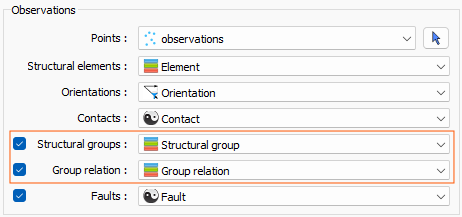
Fig. 49 UIJson options for providing group and relation data.
Adding units and groups
In order to create the valley fill model, we need to specify 4 separate groups. The first group contains the two units that make up the basal tilted sedimentary sequence.
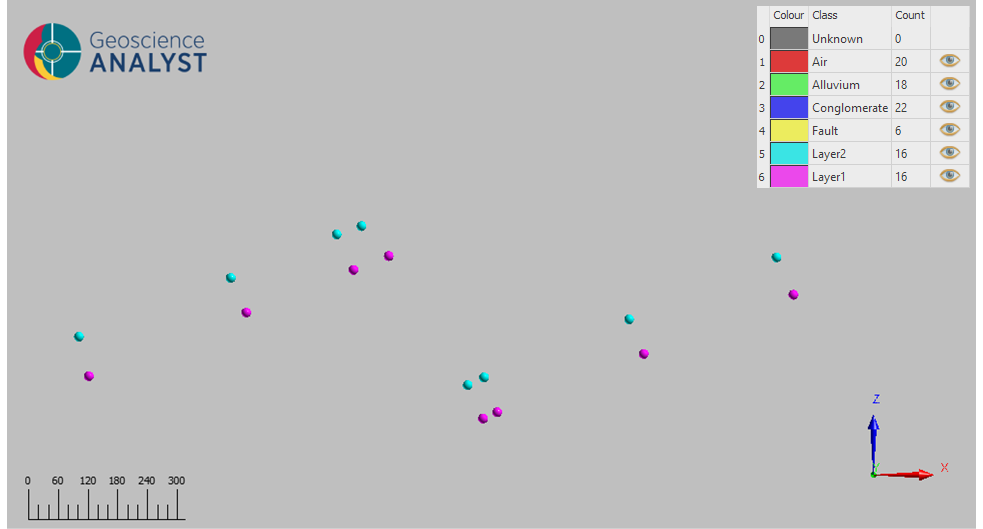
Fig. 50 Basal units in the valley fill example.
These layers are then offset by a normal fault. The fault is placed in its own structural group so it can be modelled as an independent displacement surface outside of the structural framework of the first group.
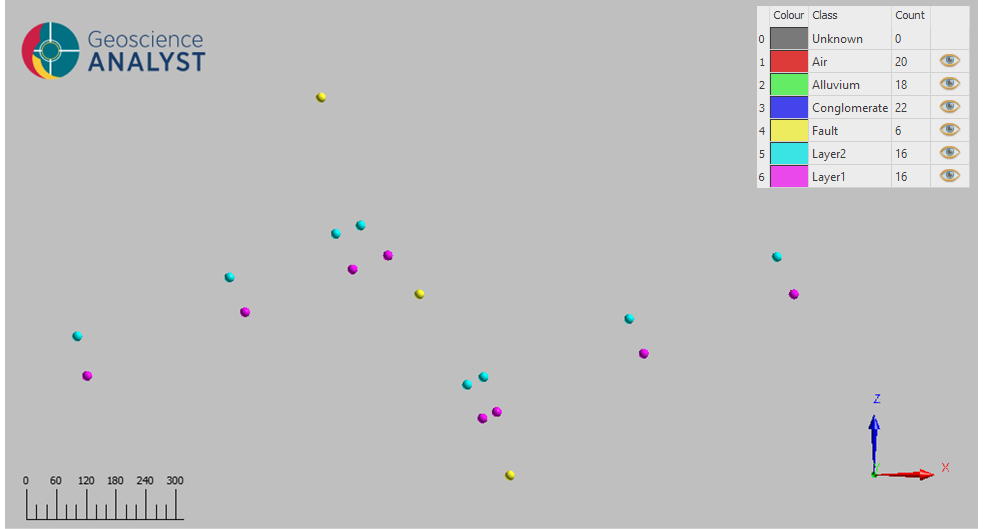
Fig. 51 Fault in the valley fill example.
An erosional surface is introduced next to truncate the older units and define the margins of the valley-fill sequence. The surface is represented by placing the base of the “Conglomerate” unit in its own structural group.
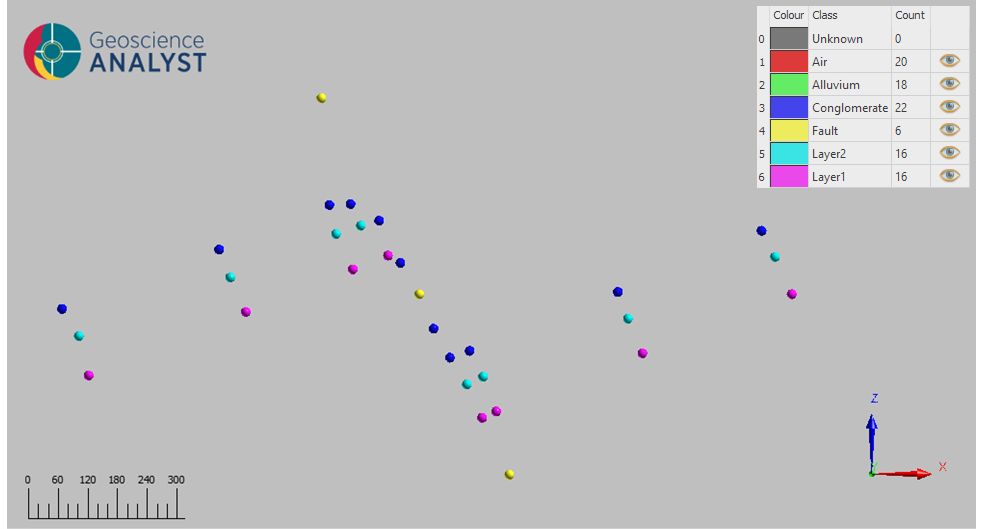
Fig. 52 Erosion of the basal units in the valley fill example.
Finally, we need to define the structural group that controls the onlap behaviour of the valley-fill sediments. The “Conglomerate” unit remains in its own erosional group because it defines the truncation surface of the underlying units, recalling that control points mark the bases of GemPy units. The younger “Alluvium” unit is assigned to a separate onlap group, which causes the overlying sediments to terminate against the older valley margins rather than extend through them.
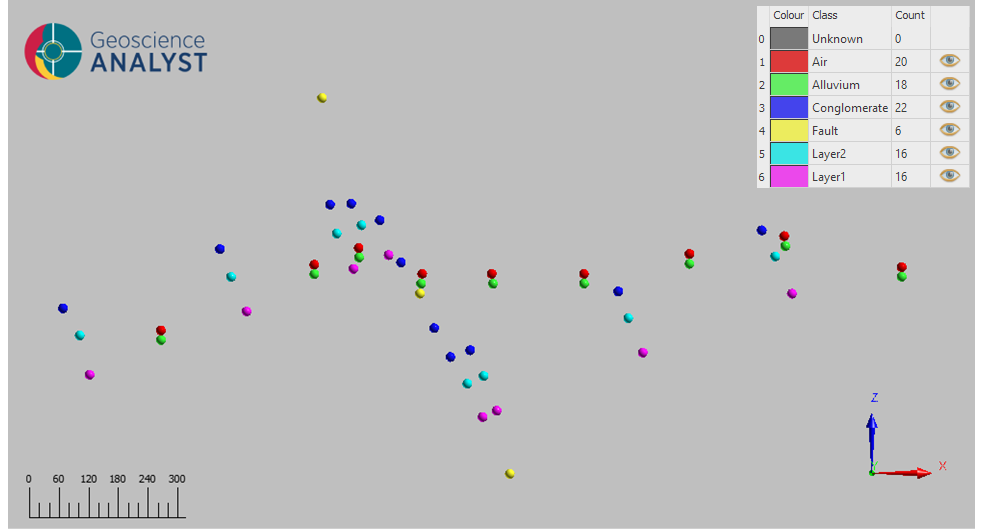
Fig. 53 Valley fill sediments in the valley fill example.
Marking group relations
At this point, we have a set of observations including contacts and orientations for each element in the history. Keep in mind that each group needs to have at least one orientation.
In the Table below is a summary of the geological units and their relative ages and the group/relation data that is needed to create our model.
Age Index |
Group |
Unit/Event |
Relation |
|---|---|---|---|
1 |
Fill |
Air |
onlap |
2 |
Fill |
Alluvium |
onlap |
3 |
Erosion |
Conglomerate |
erode |
4 |
Fault |
Fault |
fault |
5 |
Basal |
Layer 2 |
erode |
6 |
Basal |
Layer 1 |
erode |
In gempy-drivers, age and events are provided by the Structural elements referenced data. The age is set by the order in the color table, and can be organized using the method described in the units and events table section of the general workflow tutorial, or by the data preparation tool provided within Geoscience ANALYST.
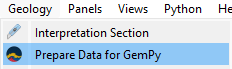
Fig. 54 Data preparation tool for GemPy. For details, see the Geoscience ANALYST user guide.
To specify the groups and relations, we need to provide two more referenced data objects to their respective fields. These are provided per observation so it is up to the user to ensure that the data is consistent. That is, each element is assigned to a single group and group relation.
For our example the observations are organized into four groups.
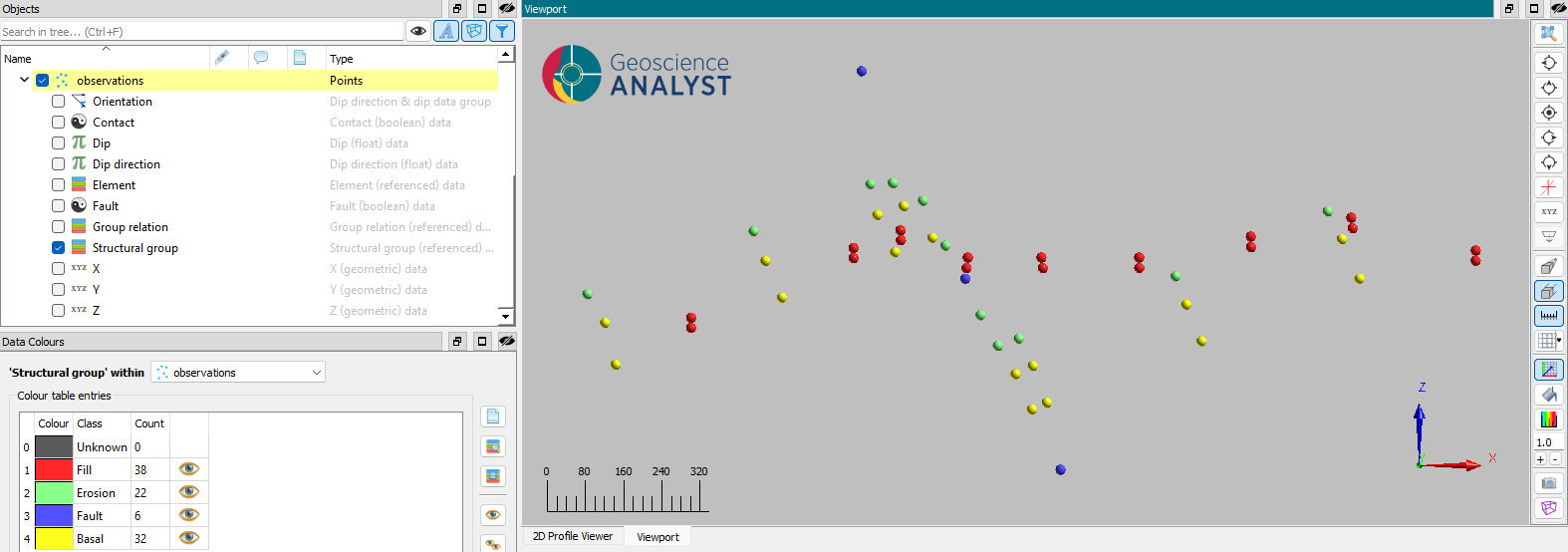
Fig. 55 Structural groups for the valley fill example.
The valley fill group is marked with an onlap relation, while the rest are marked as erode.
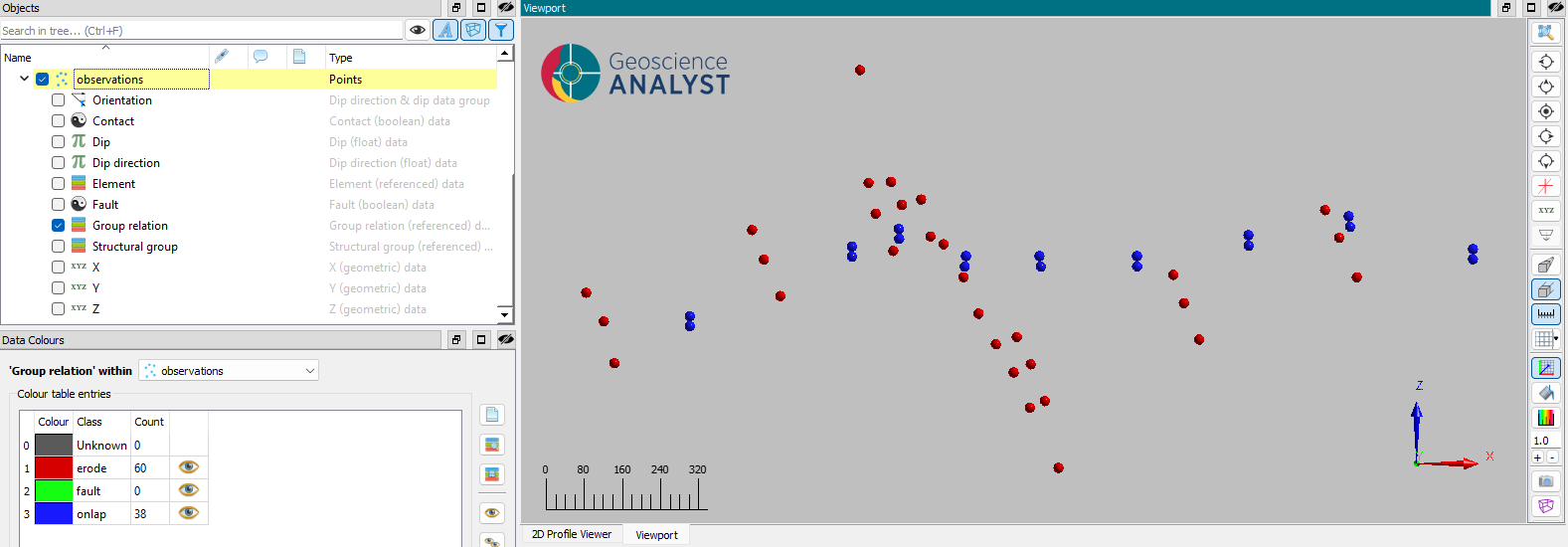
Fig. 56 Group relations for the valley fill example.
Outcomes
The model obtained after running the application is shown below.
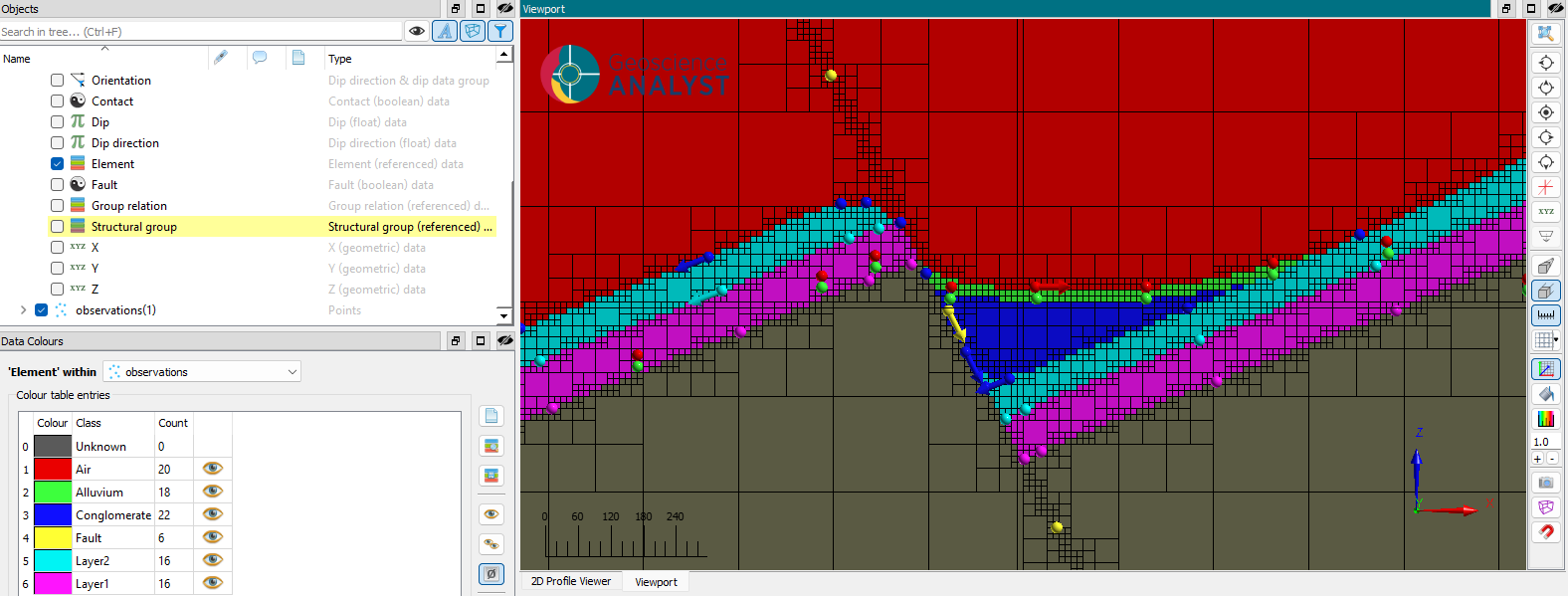
Fig. 57 Resulting model for the valley fill example.
There are two unconformities at work:
The base of the conglomerate unit is unconformably cut across the thrust valley.
The alluvium and air surfaces onlap against the faulted and eroded basal units.
We were successful in modeling younger valley-fill sediment layers that onlap against the older faulted basin margins.